

Adding a Rescue Time-synced habit
- iOS
- 🤖 Android
- From Journal, tap the + button in the bottom right corner
- Choose either ‘Build Good Habit’ or ‘Break Bad Habit’.
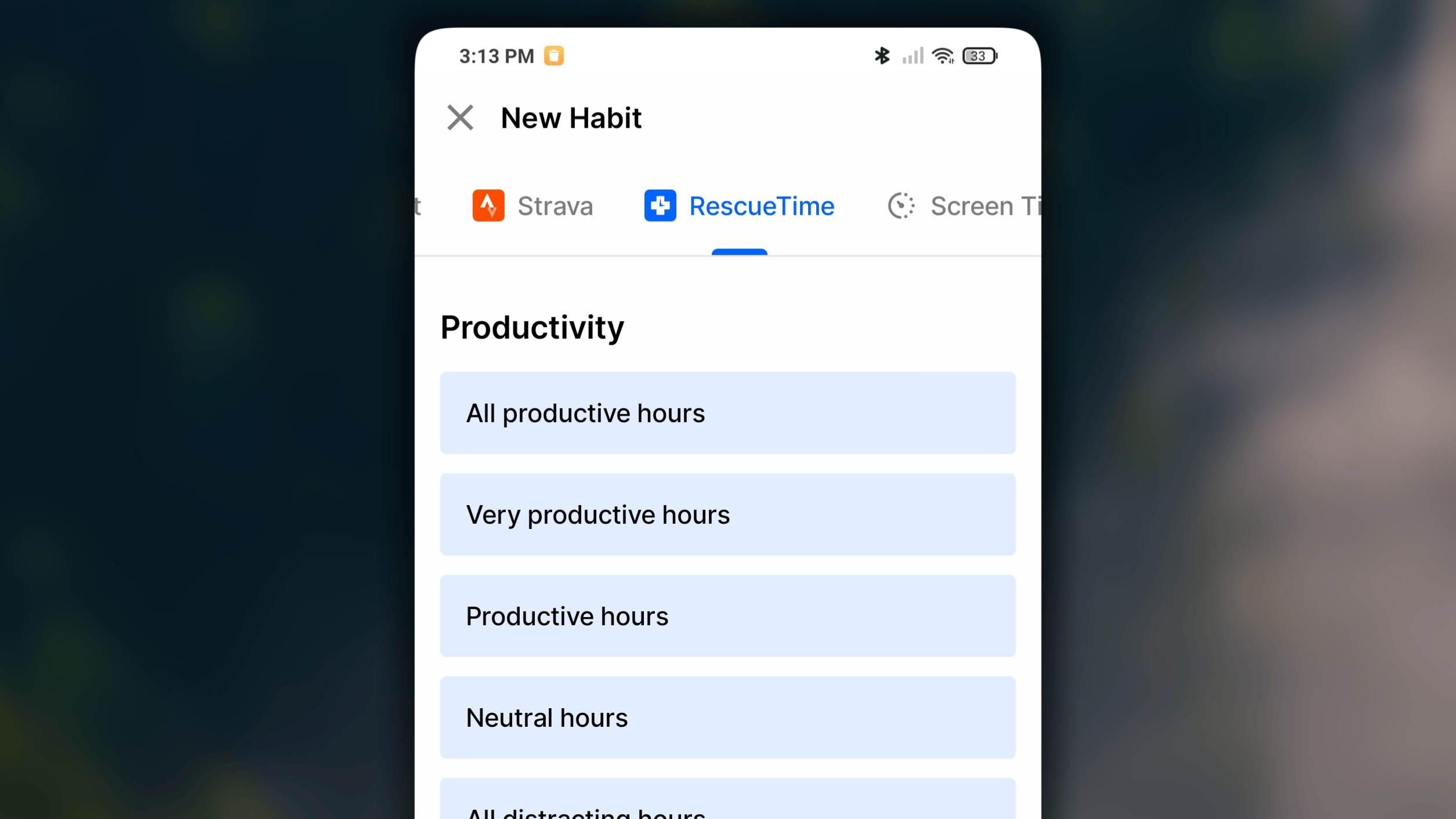
- At the top of the creation screen, switch to then ‘Rescue Time’ tab.
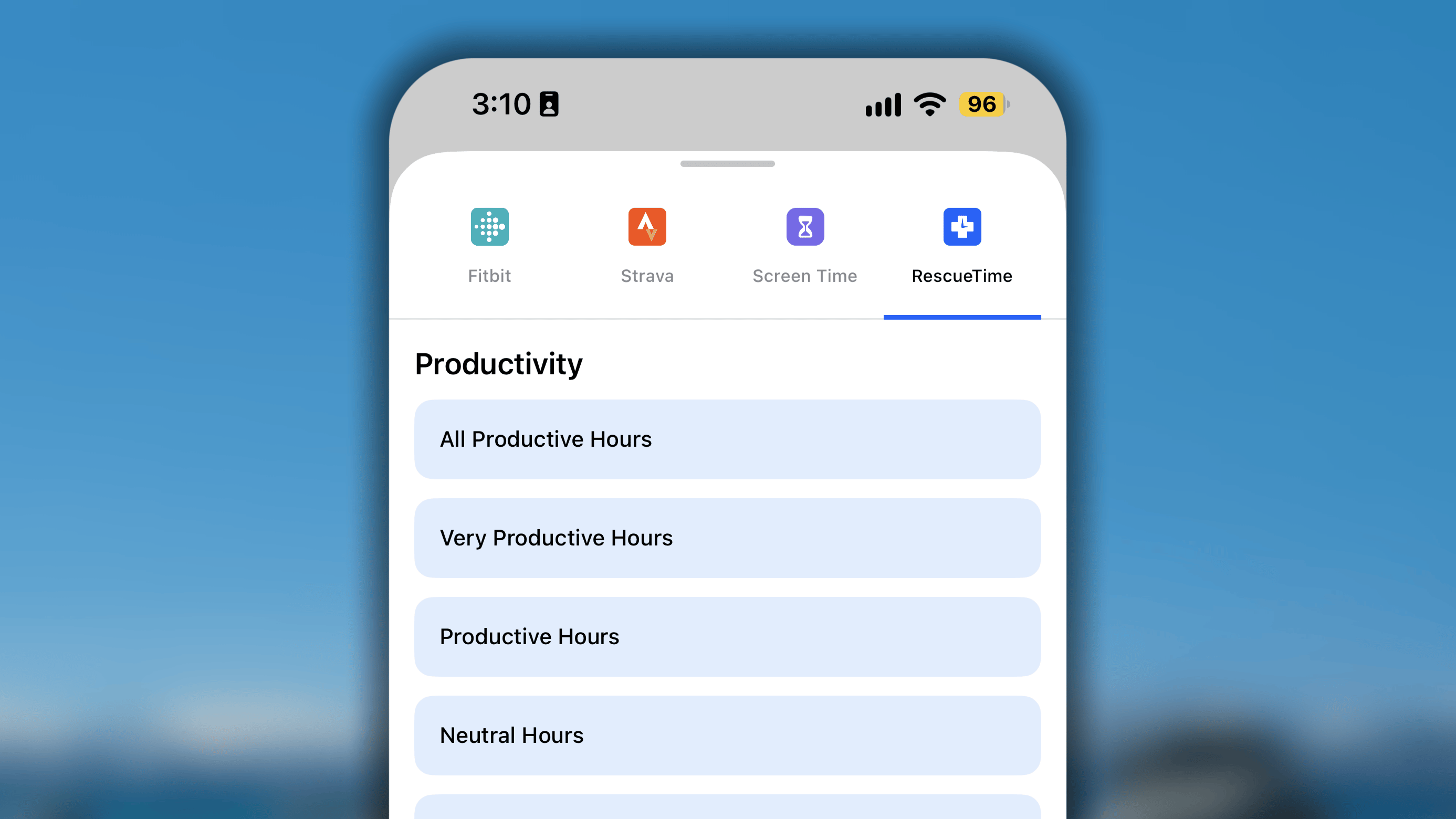
- Choose the data type you want to track from the list.
- In the next step, tap ‘Allow Access’, and you will redirect to Rescue Time site to log into your service account, and grant the access permission for Habitify to read the data from Rescue Time.
- Once the permission is granted, you will go back to Habitify.
Configure the details of your habit as normal. - Once everything is set, tap the ✓ button to save the newly created habit to your list.
How your screen time is categorized
Your screen time with an app or website is categorized by Rescue Time, and Habitify reads the data and its label to decide which data will be synced to your habit’s progress in Habitify. You can manage the apps and websites in each category in your Rescue Time account. See how to do it: How to Categorize Your Apps and Websites.Important Notes
This integration has some specific behaviors set by RescueTime’s system. Please take note of the following:- Initial Sync Time: The very first time you set up the habit, it will take approximately 10 minutes for the first data sync to complete.
- Data Syncs for the Previous Day: This is the most important limitation to understand. RescueTime’s system finalizes its data at the end of the day. Therefore, until the day 2 will your data from RescueTime of day 1 be synced to Habitify for the day 1.
- One RescueTime, Multiple Accounts: You can connect a single RescueTime account to several different Habitify accounts if you wish.