

Where to find Habi AI
Habi is designed to read what is on your screen, meaning it already understands what you are looking at before you even start typing. You can access Habi across different parts of the app:
- In the Journal: Pull down your list view to open the chat. Habi will automatically focus on your current day’s list, the date you are viewing, and the filters you are currently using.
- In Progress: Tap the AI button in the bottom right corner. Habi will focus on your overall performance report, current filters, and date range.
- In Single Habit Progress: Tap the AI button in the corner of the screen. Habi will focus your chat specifically on the exact habit you are viewing.
While Habi uses your starting location to establish context, you can still ask Habi anything from any chat!
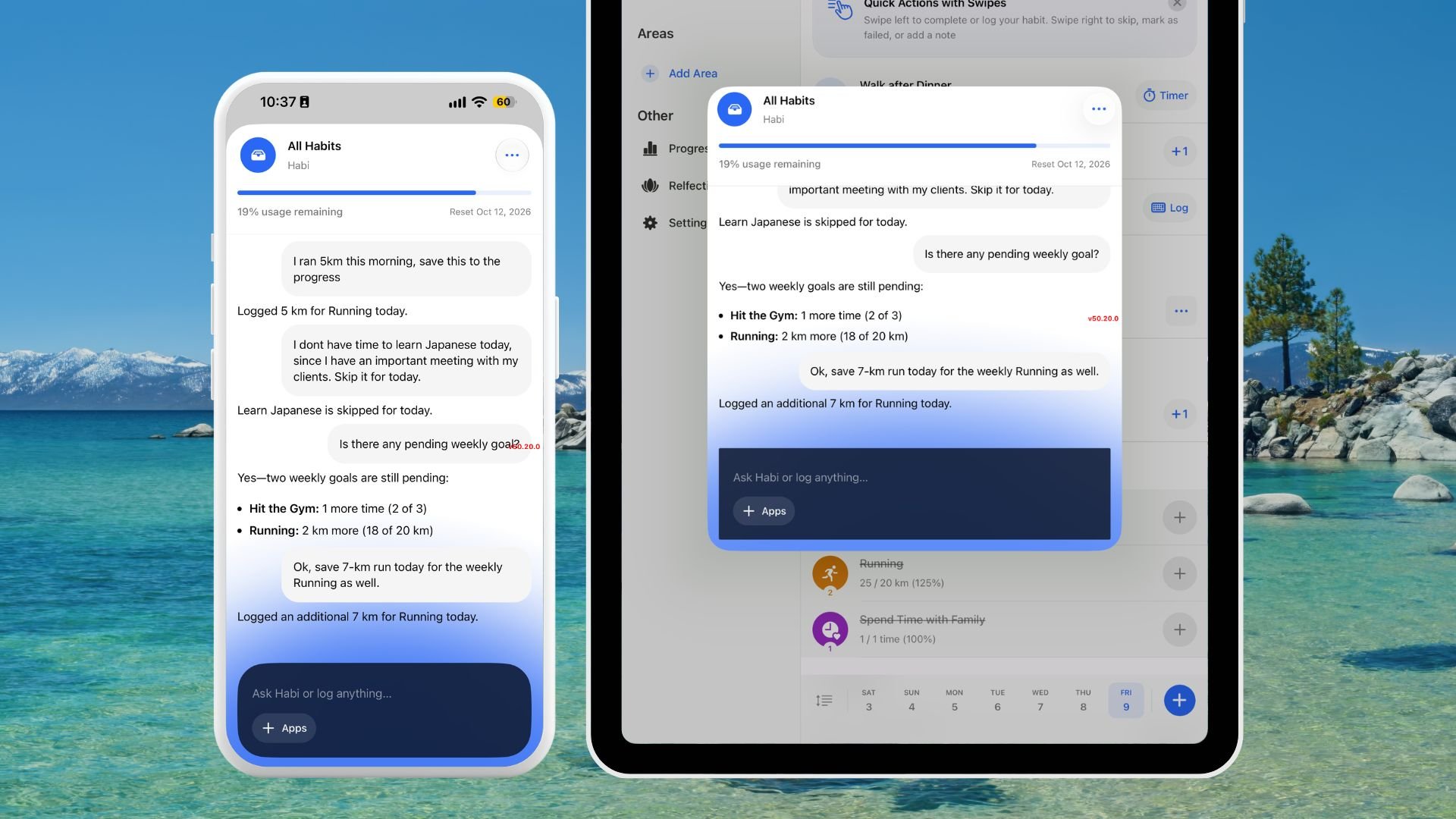
- Tap the 3-dot button in the top right corner of the chat window.
- Select “Clear this conversation”.
What Habi Learns & Connects To
To give you the best insights, Habi draws context from your complete Habitify history and, with your explicit permission, your favorite external apps.- Your Habitify Data: Habi understands your habits, notes, check-in logs, Times of Day, Areas, and your general app preferences.
- External Apps (With Permission):
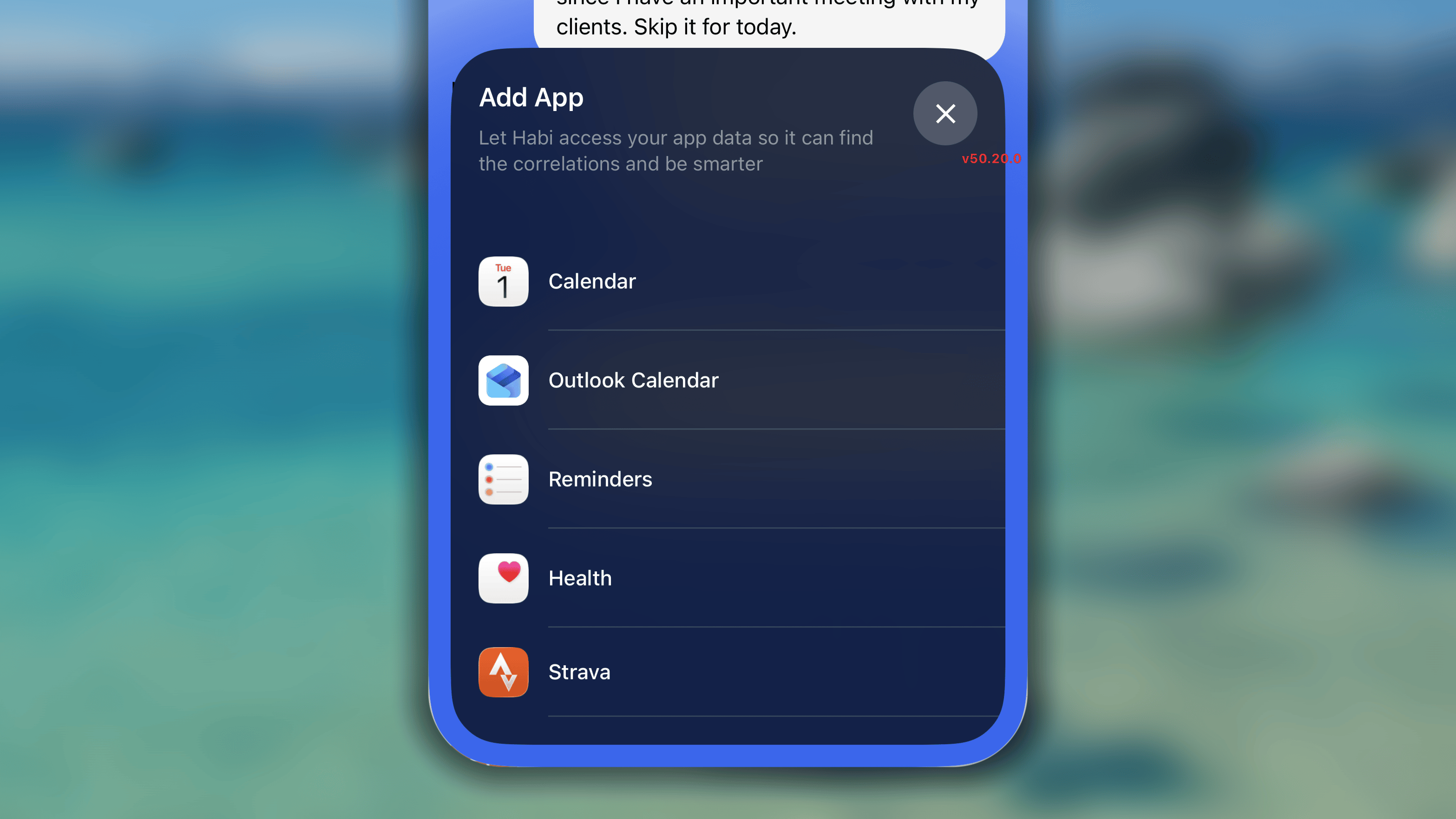
- Calendars: Syncs with your device-native Calendar, Outlook Calendar, and Google Calendar events.
- Tasks: Reads your tasks and lists from Apple Reminders.
- Health Data: Pulls in supported health metrics from Apple Health (iOS), Health Connect (Android), and Strava. You are in full control of which data types you want to share.
What Habi can do
Habi is not just a chatbot. It is an active manager for your routines. Here is what you can ask Habi to do: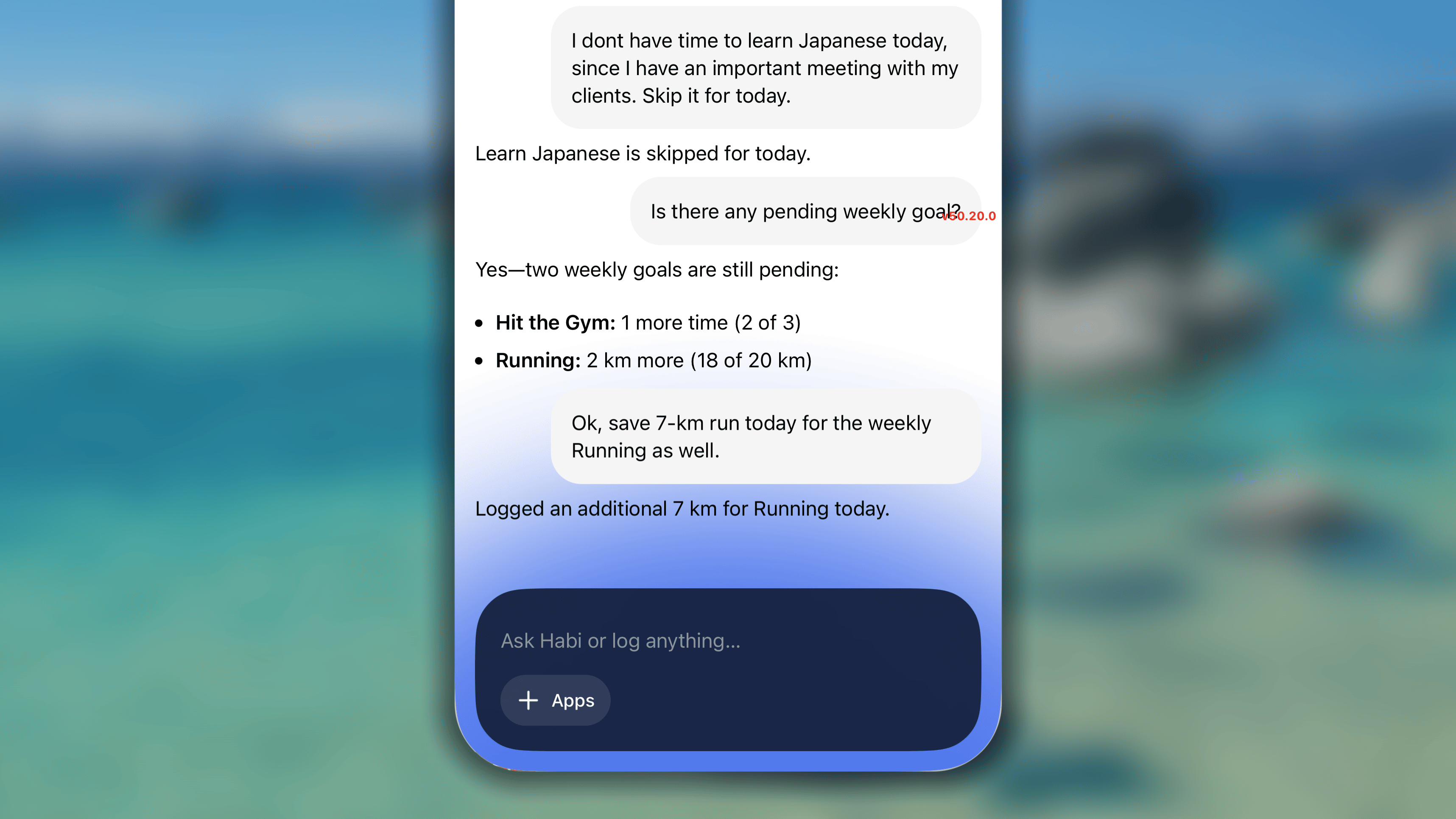
- Manage Your Logs: Instantly add, delete, or update a habit log on any specific day (Success, Skip, or Fail). You can also ask Habi to add notes to a habit or log your daily mood.
- Create & Edit Habits: Tell Habi to create a new Good or Bad habit. You can ask it to update your goals, manage checklist items, add/remove reminders, archive older habits, or even find the perfect icon for a new routine.
- Organize Your Dashboard: Ask Habi to create new life Areas or Times of Day, and have it instantly sort your habits into those specific categories.
- Answer “How-To” Questions: Habi is directly connected to our Help Center documentation. If you ever forget how to use a feature in Habitify, simply ask Habi, and it will provide step-by-step instructions based on our official guides.
Usage Limits
To ensure a smooth and responsive experience for everyone, Habi AI currently has a usage limit of 100,000 tokens per standard week, which resets every Monday. Your weekly usage bar now stays hidden and will only gently appear when you have less than 25% of your weekly quota remaining.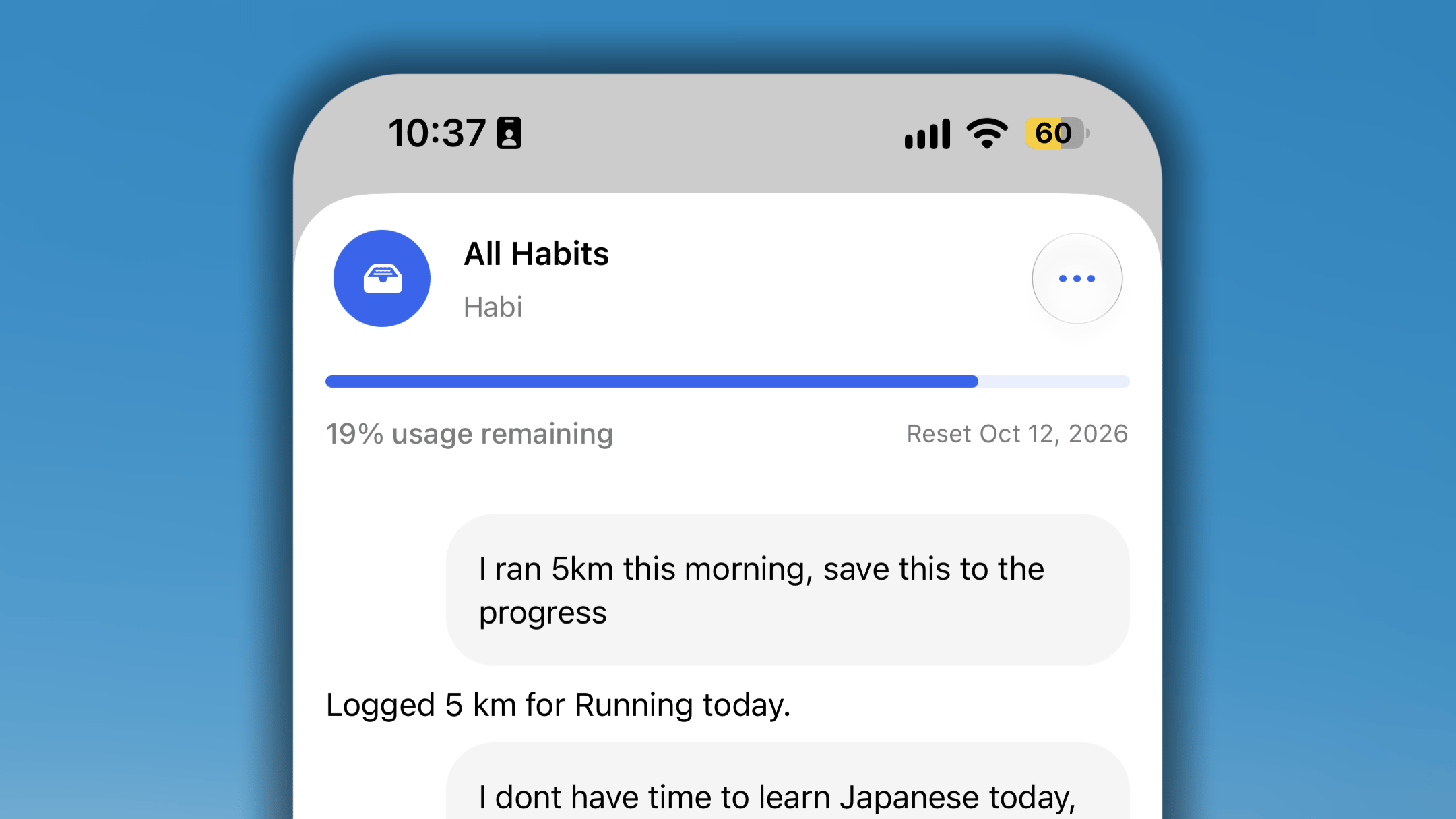
FAQs
How can I upgrade my Habi AI token limit?
How can I upgrade my Habi AI token limit?
Currently, individual token limit upgrades are not available. Because Habi AI is a newly launched feature, we apply a universal limit of 100,000 tokens per week across all membership tiers.This initial weekly cap allows our team to ensure system stability, gather real-world usage patterns, and provide fair, high-speed performance for all users while the feature matures. As we continue optimizing the Habi AI experience, we plan to explore flexible token options and higher limits for power users in future updates.
How do I turn off Habi AI access in the app?
How do I turn off Habi AI access in the app?
There is currently no dedicated toggle in the settings to disable or turn off Habi AI.Habi AI is built as an integrated companion to assist with contextual habit suggestions and progress analysis, but its usage is entirely optional. If you prefer a traditional, manual tracking experience, you can simply choose not to interact with the AI prompts or entry points. Doing so will not impact any of your core tracking tools, routines, or analytics.We are actively collecting feedback on AI customizability, and more granular controls over AI features are under consideration for upcoming releases.